
Delivering Assessments to iPhone and iPad
The ability of Questionmark Perception to auto-sense different devices and auto-size assessment content to suit them has taken the guesswork out of sending assessments to many different types of mobile devices, including the Apple iPad and iPhone.
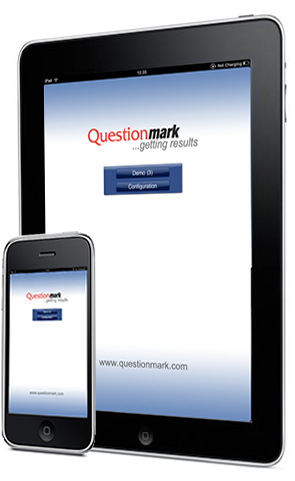
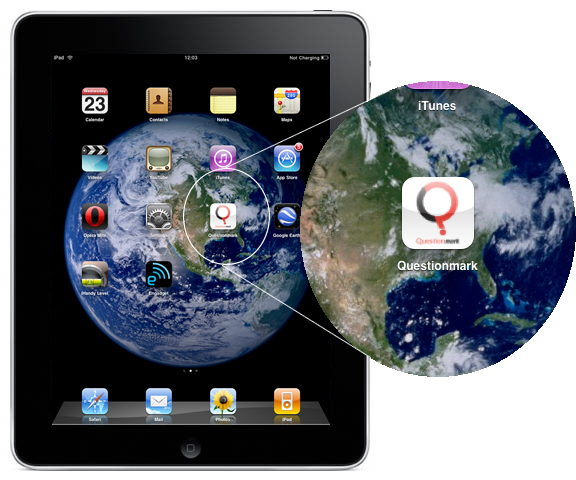
The Apple iTunes Store now has free Questionmark apps for all three of these devices. Once you have downloaded the application of your device, you will connect to Internet and click the Questionmark icon to to launch the Assessment.
|
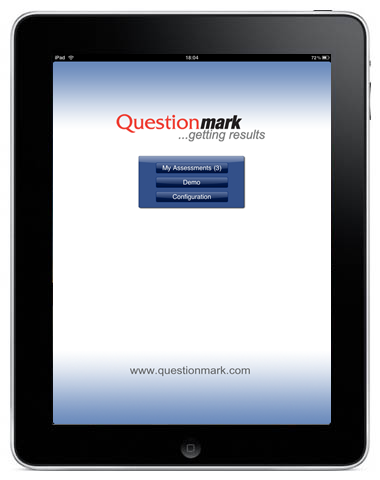
When you launch the application, you will have a new button called My Assessments. The My Assessment button takes you to the web address you entered in the Configuration setting for the Assessment. .
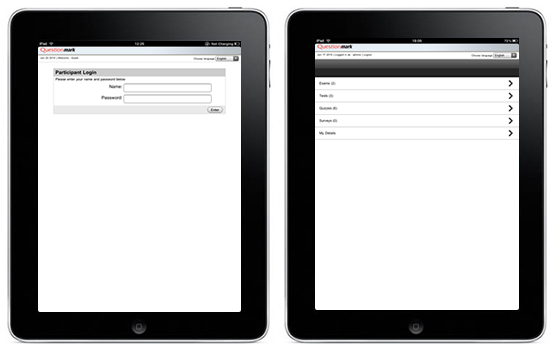
Depending on how you configured your URL, you will either be brought to your assessments or a login screen asking for your user name and password.
|